MarkPad
A clean, distraction-free markdown editor with live preview, built with React, TypeScript, and Tailwind CSS.
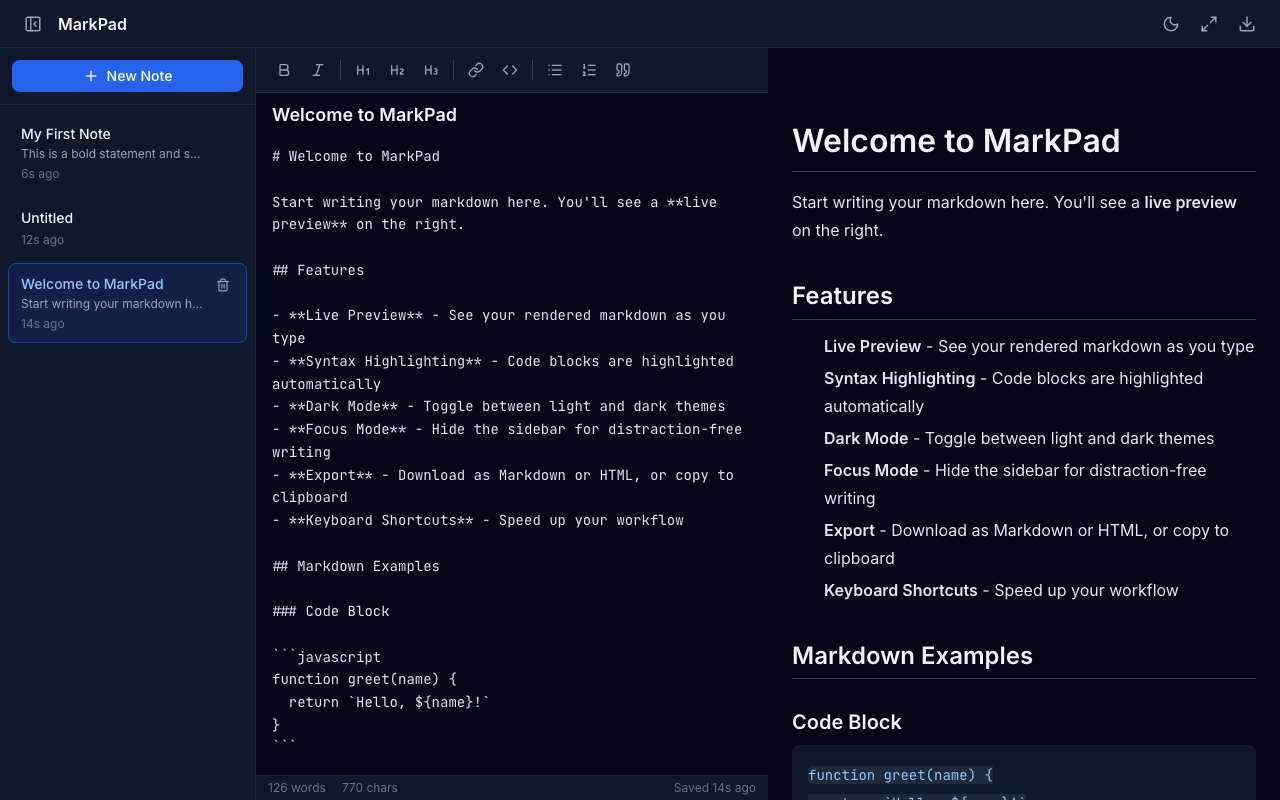
Split-Pane Editor with Live Preview
Write markdown on the left, see the rendered output instantly on the right. The divider between panes is draggable to adjust the split ratio. The status bar at the bottom shows word count, character count, and last saved time.
Creating and Managing Notes
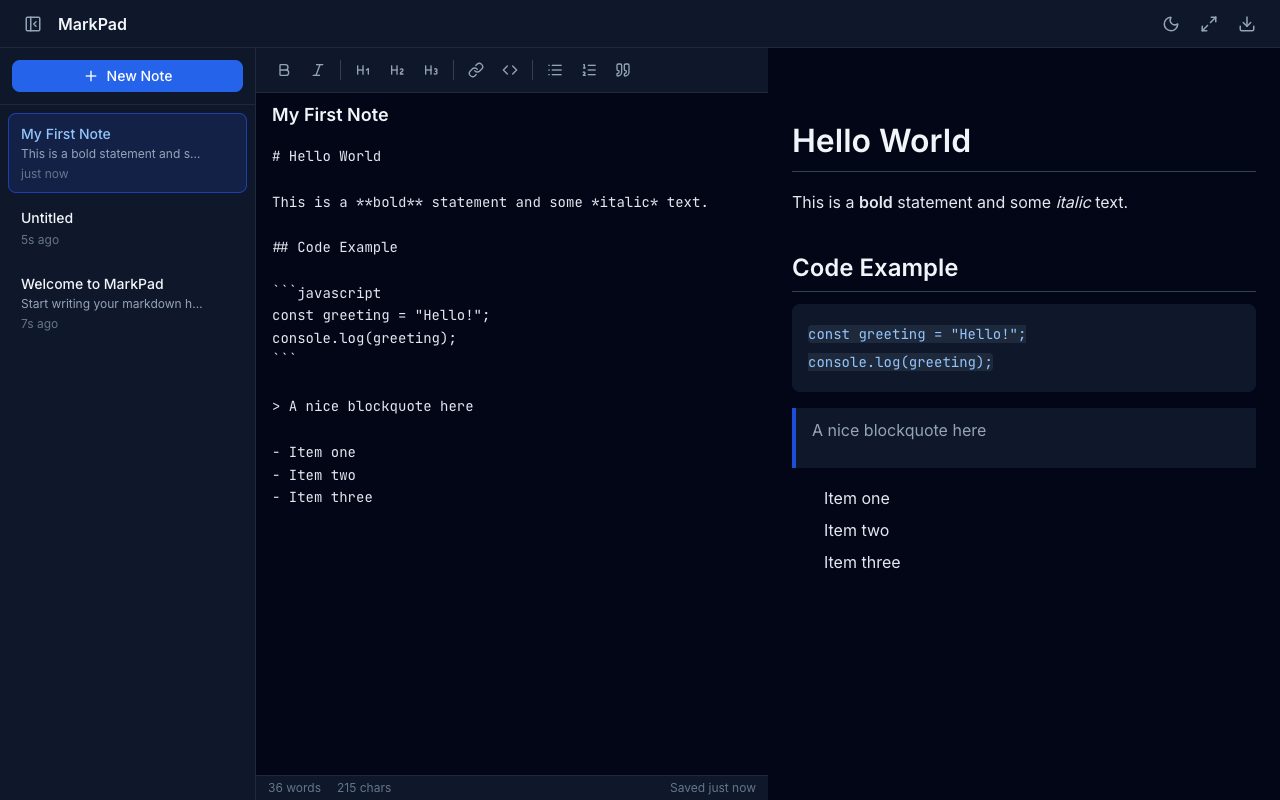
Click + New Note in the sidebar to create a new note. Each note has an editable title and content area. Notes are listed in the sidebar sorted by most recently updated, with a short preview of content.
Formatting Toolbar
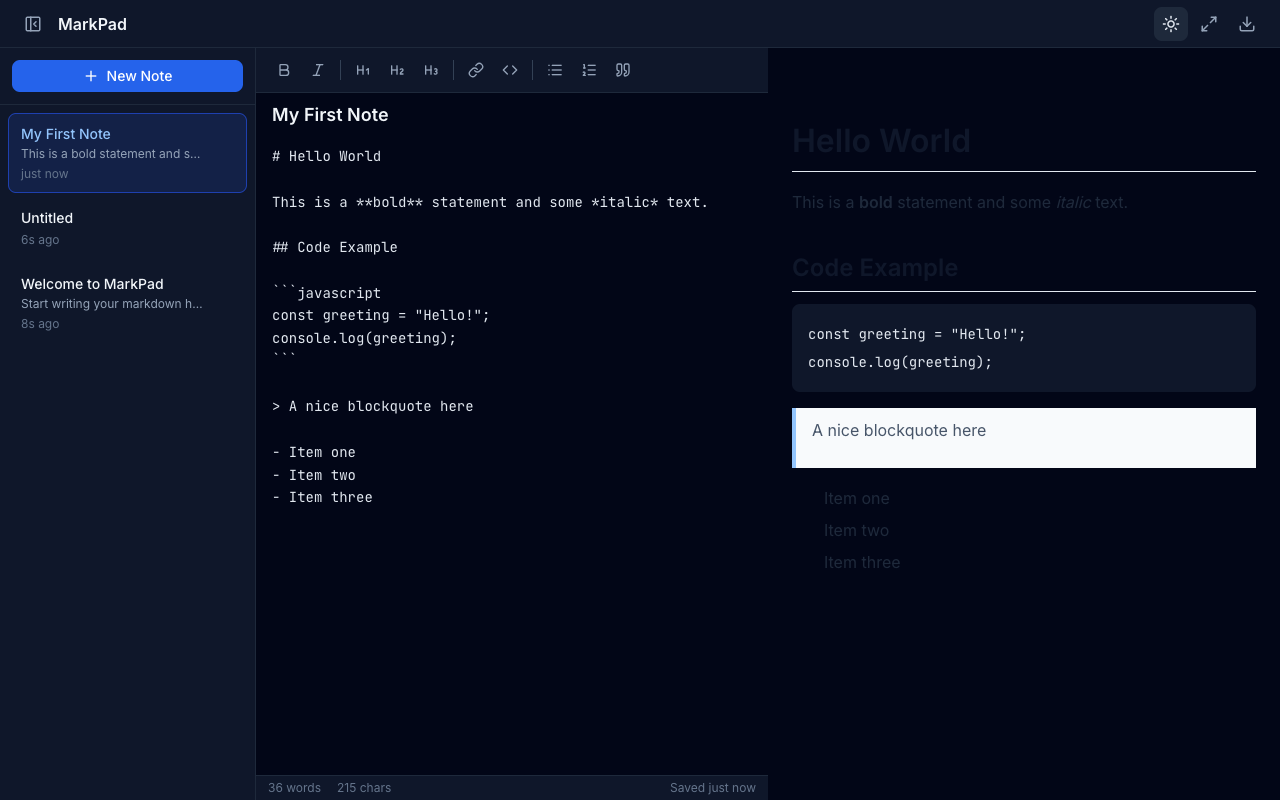
The toolbar provides quick-access buttons for common markdown formatting: Bold, Italic, Headings (H1-H3), Links, Inline Code, Bullet Lists, Numbered Lists, and Blockquotes. Clicking a button inserts the appropriate markdown syntax around the selected text.
Dark and Light Themes
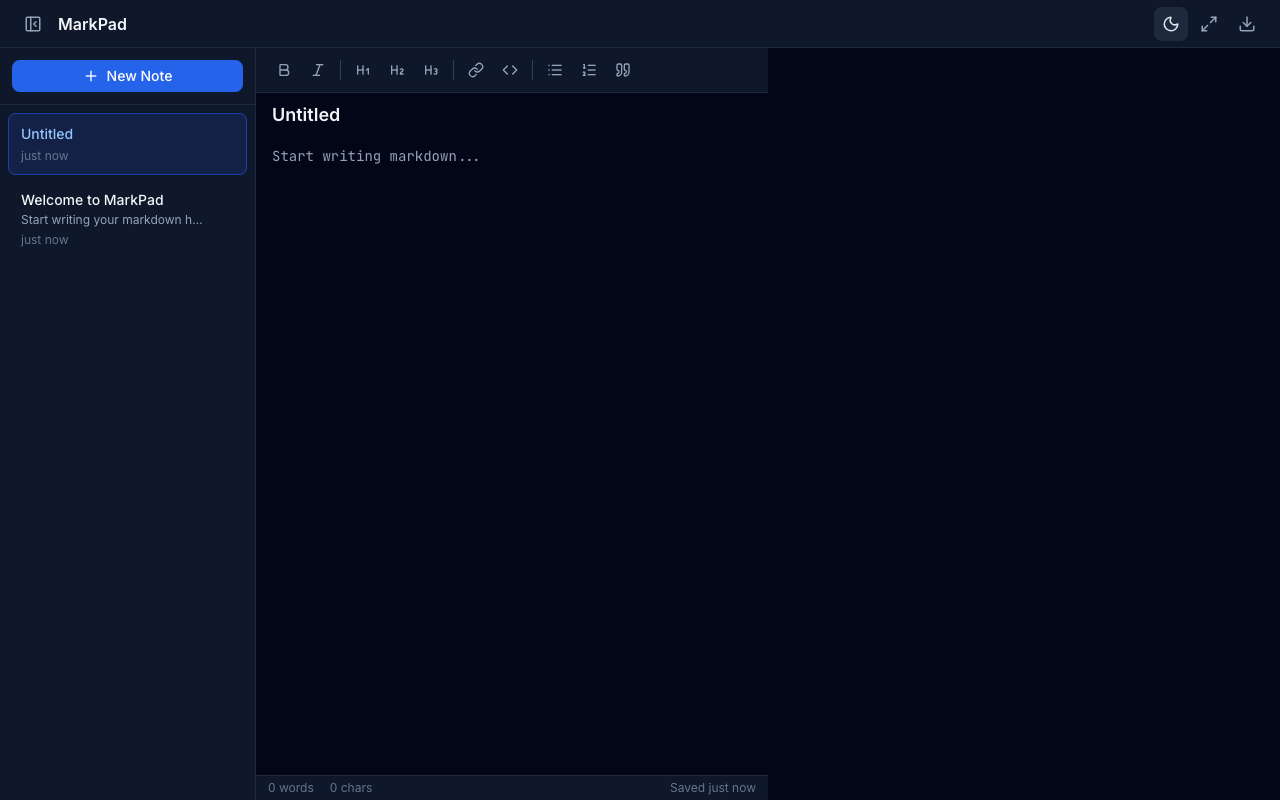
Cycle between light, dark, and system-detected themes using the theme toggle button in the header. The app respects the system color scheme preference when set to “system”.
Focus Mode
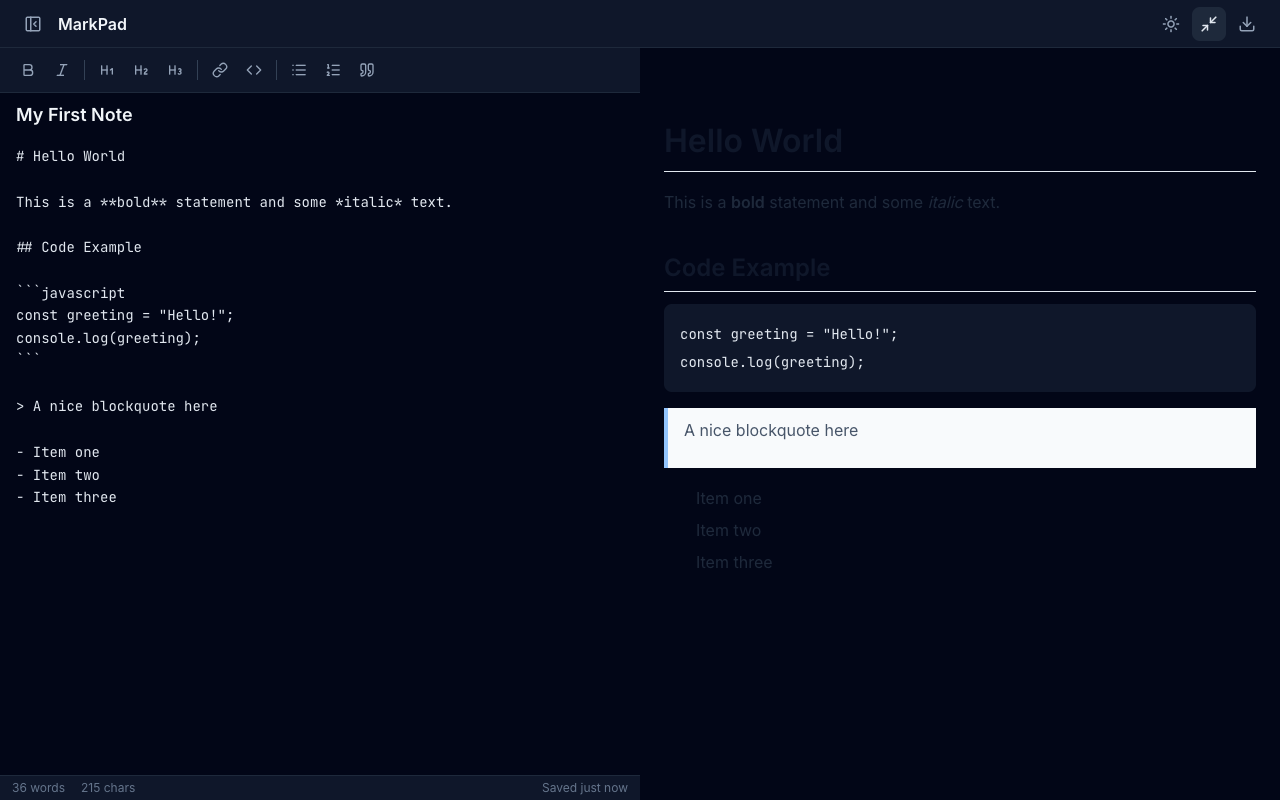
Toggle focus mode to hide the sidebar and maximize your writing area. The editor and preview take up the full width for distraction-free writing.
Sidebar Toggle
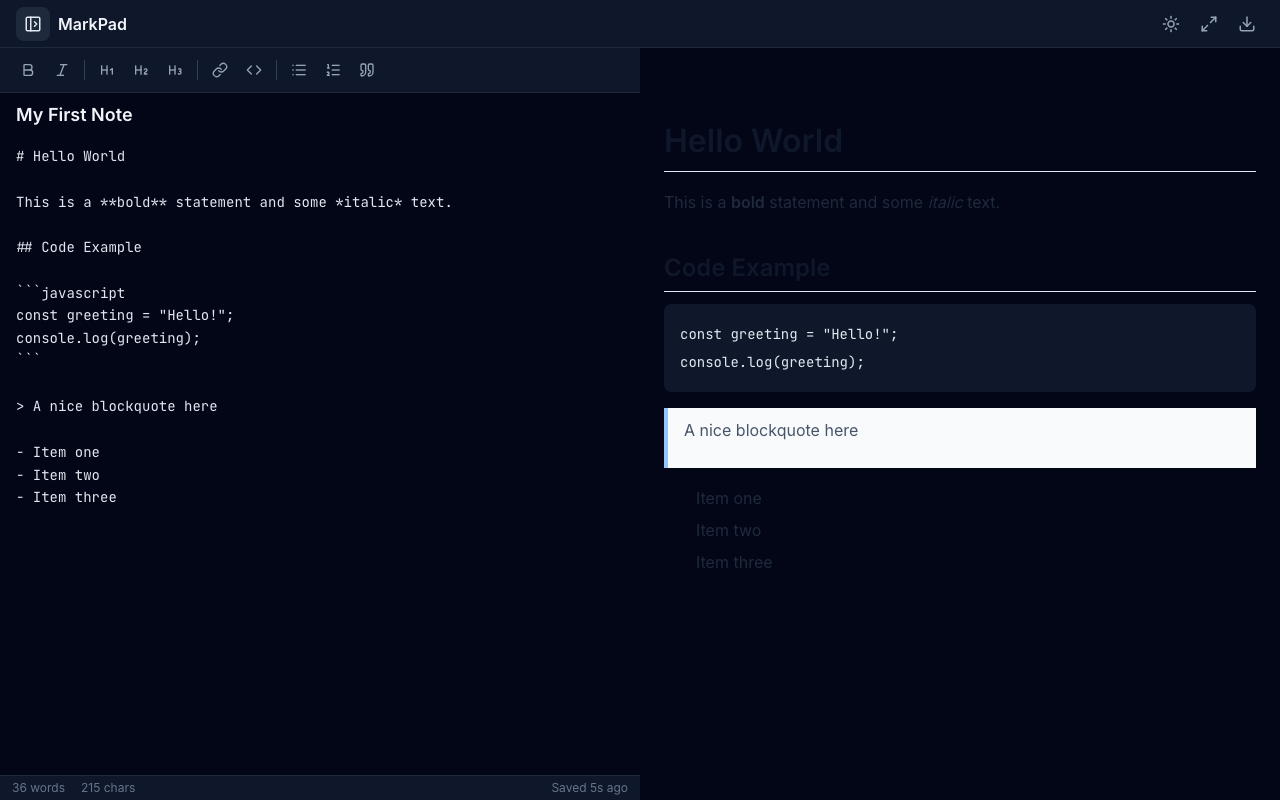
Collapse the sidebar independently of focus mode for more horizontal space while keeping the header controls visible.
Export Options
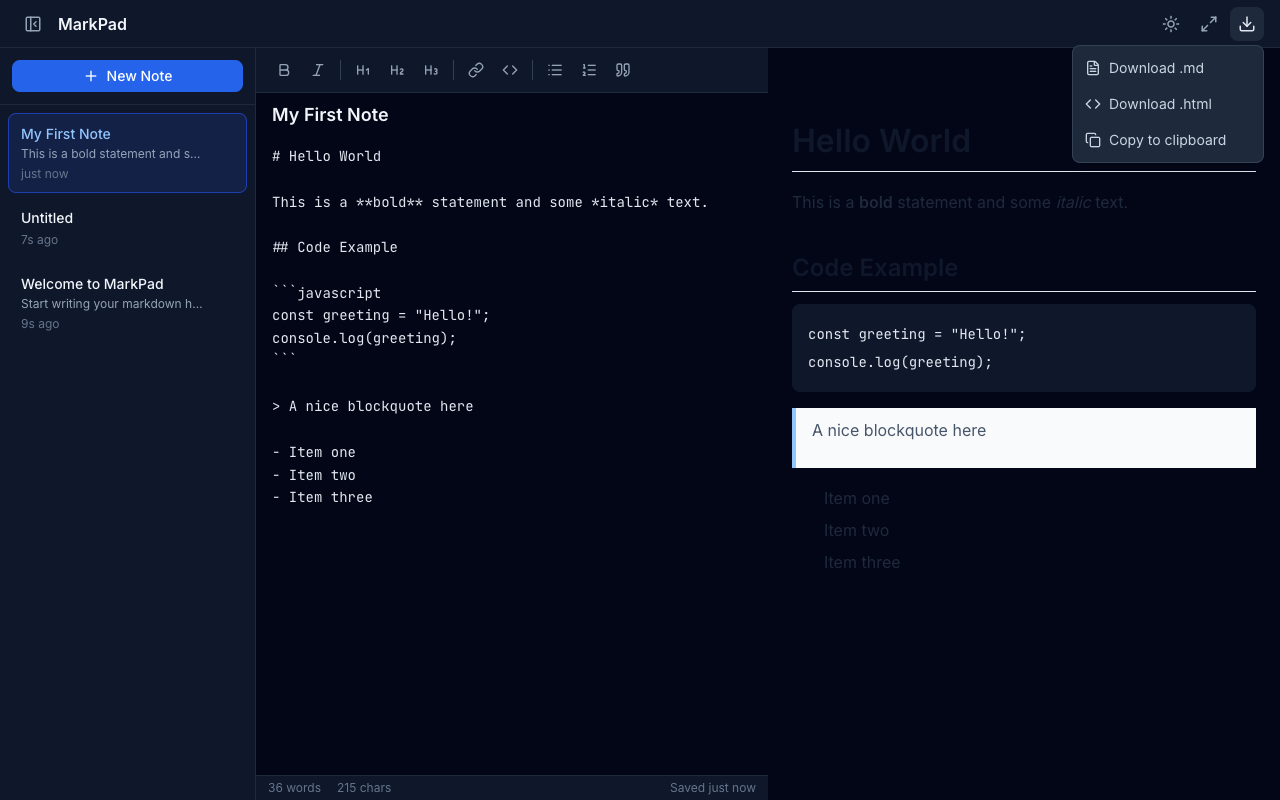
Export your notes in multiple formats via the download menu in the header:
- Download .md — Save the raw markdown as a file
- Download .html — Save as a styled HTML document
- Copy to clipboard — Copy the markdown content
Delete Confirmation
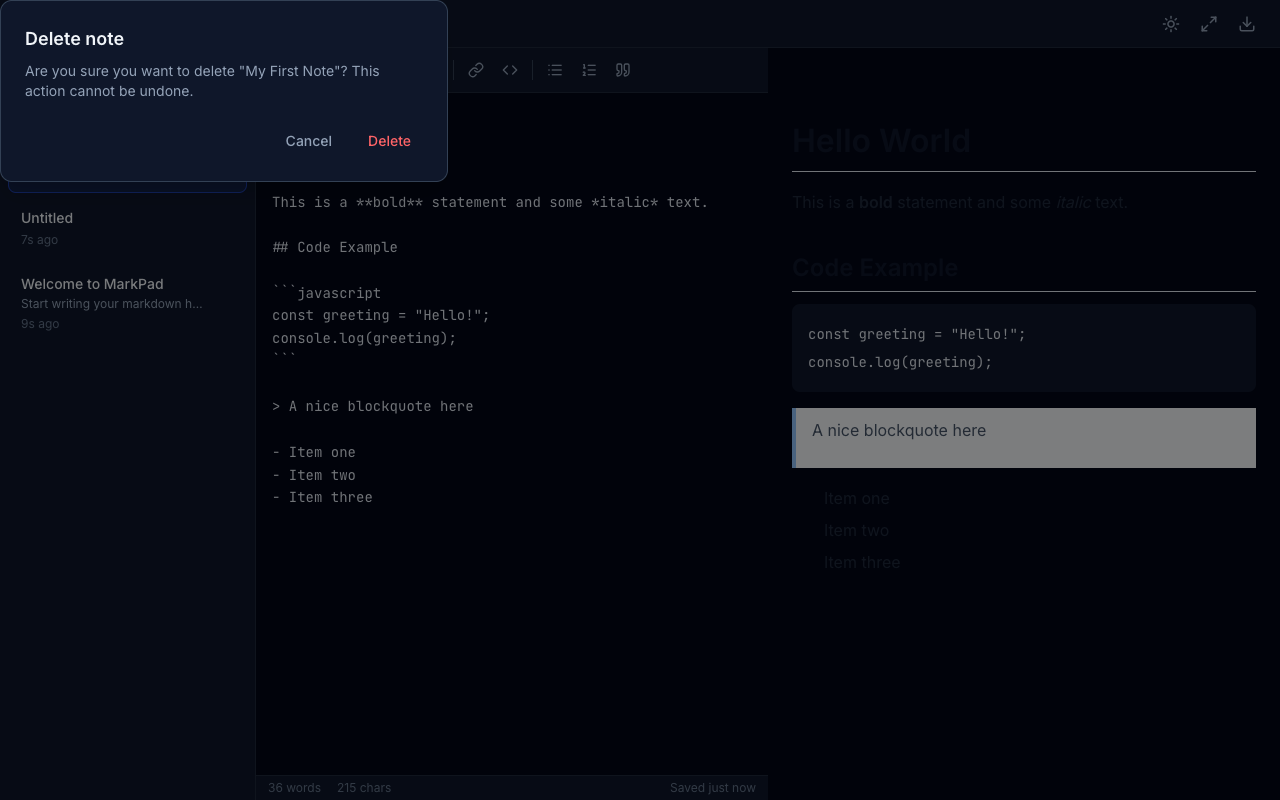
Deleting a note shows a confirmation dialog to prevent accidental data loss. Hover over a note in the sidebar to reveal the delete button.
Responsive Layout
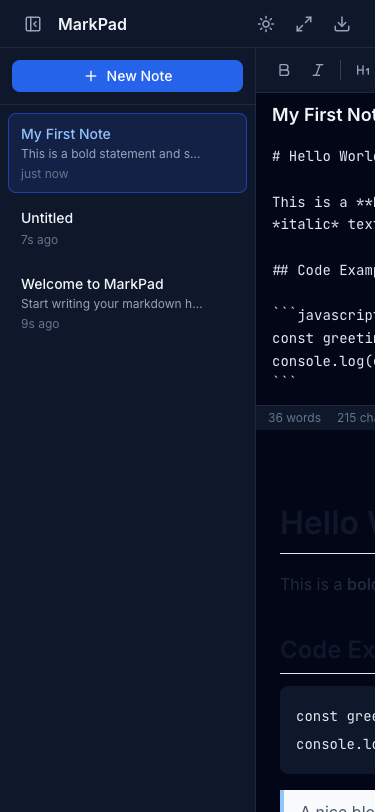
On smaller screens, the layout stacks vertically with the editor above and preview below, keeping the sidebar and all controls accessible.
Keyboard Shortcuts
| Shortcut | Action |
|---|---|
| Ctrl/Cmd + N | New note |
| Ctrl/Cmd + B | Bold |
| Ctrl/Cmd + I | Italic |
| Ctrl/Cmd + K | Insert link |
| Ctrl/Cmd + / | Toggle sidebar |
| Ctrl/Cmd + E | Toggle focus mode |
Persistence
All notes and UI preferences (theme, sidebar state, editor width) are automatically saved to localStorage and restored on the next visit.